From zero to booked in 5 minutes
No tech skills. No website to build. Three steps and you're live.
Create your booking page
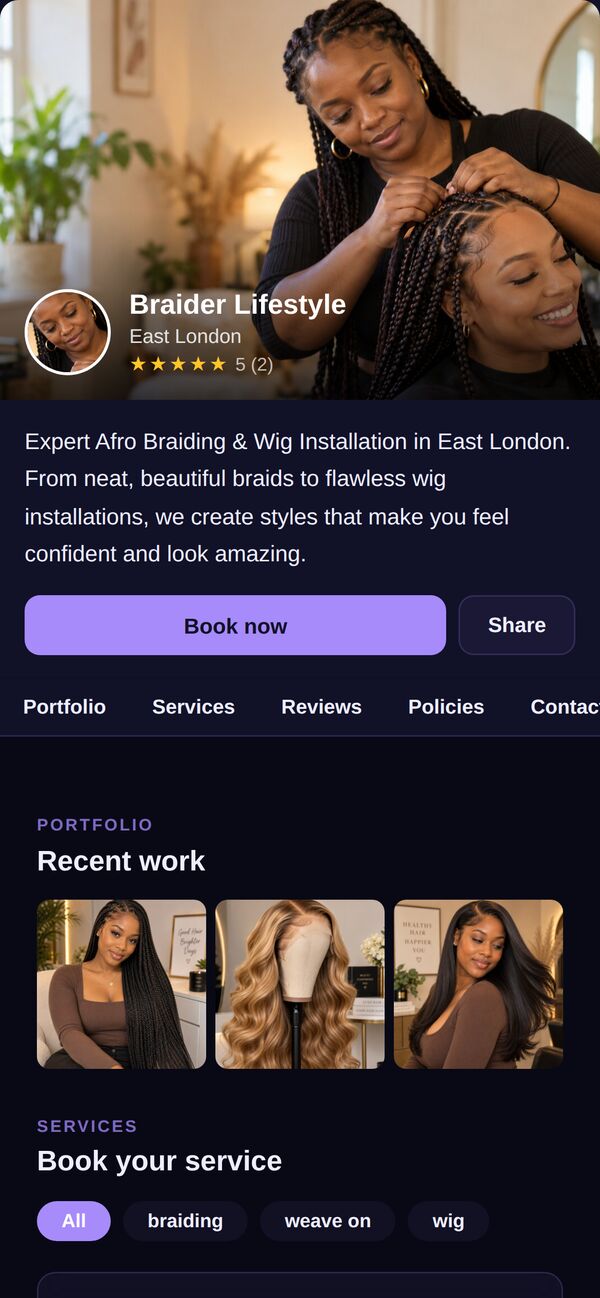
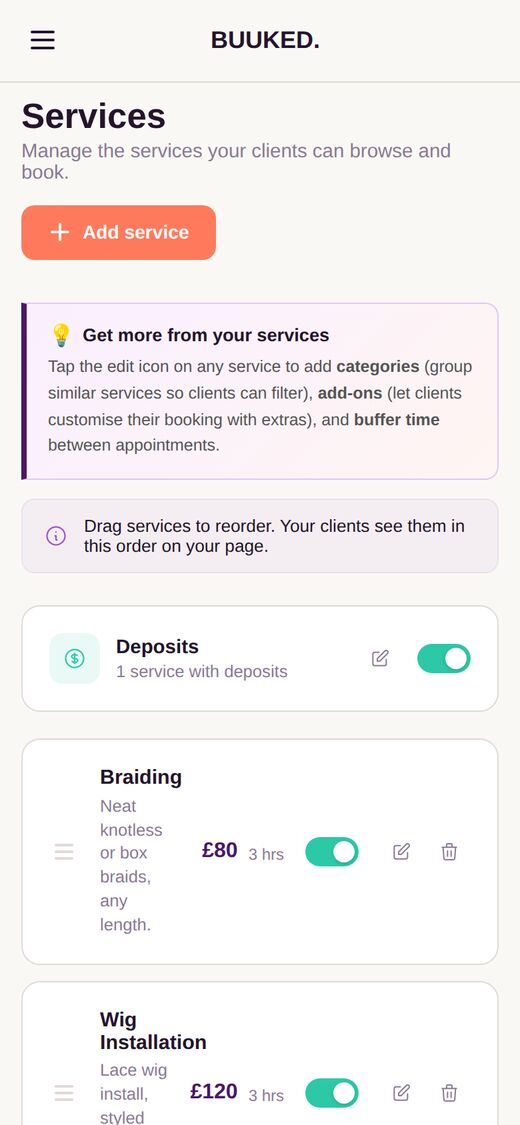
Add your services and portfolio
Enter your prices, upload your work. Your booking page builds itself as you go.
- Group services into categories, with add-ons and time between clients
- Ask for a deposit on any service you choose
- Show your best photos, filtered by service
Share your link everywhere
One link for your bio, your WhatsApp, your business card. Wherever your customers already are.
- Your own link: yourname.buuked.me on Pro, or buuked.me/yourname on Free
- A QR code you can print, ready in your dashboard

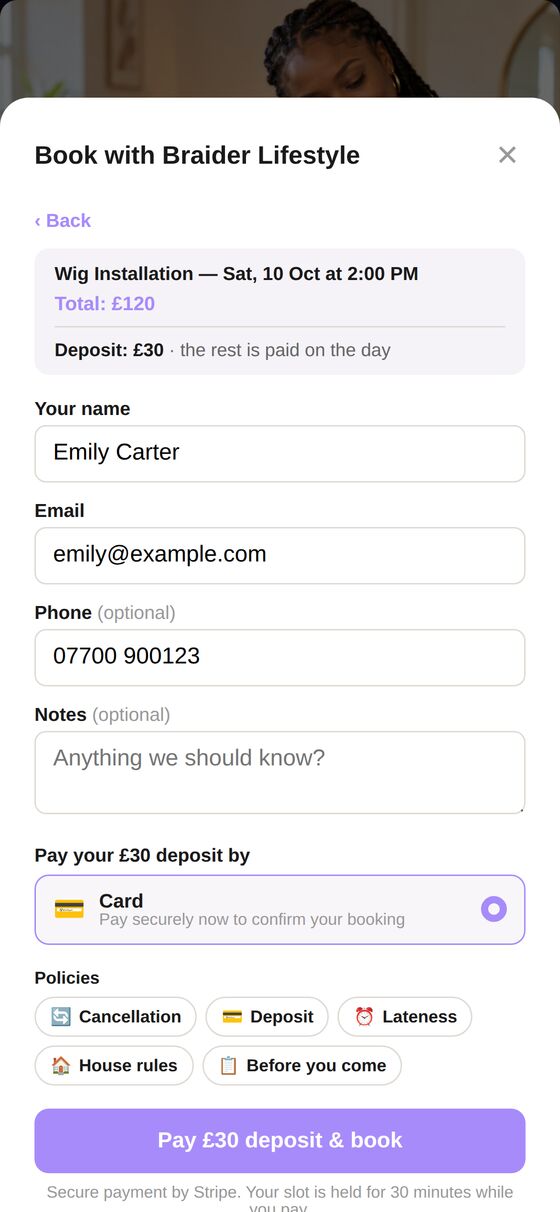
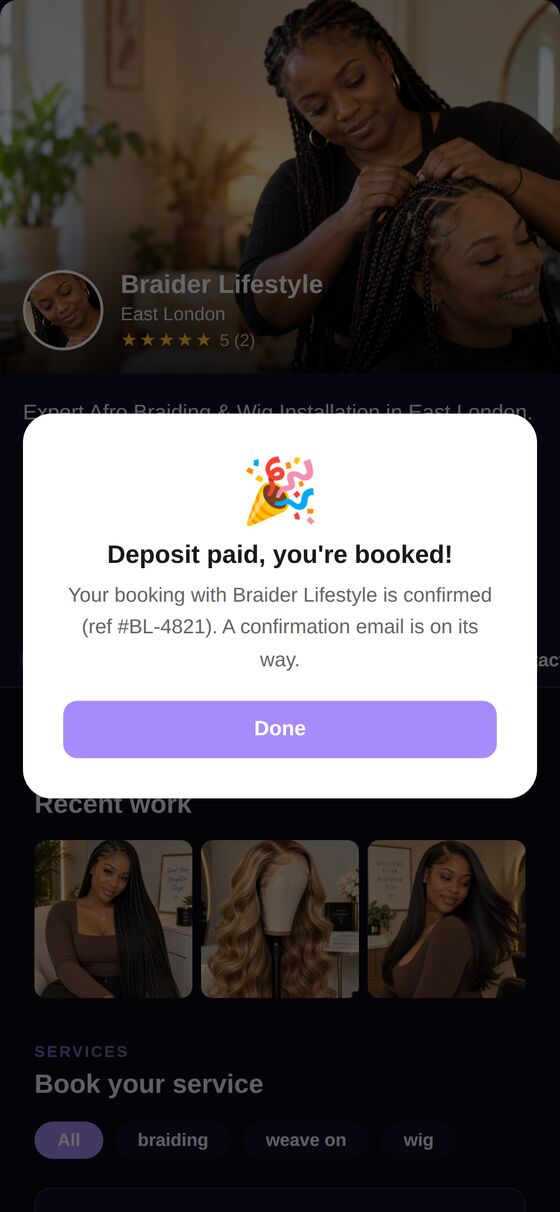
Customers book and pay
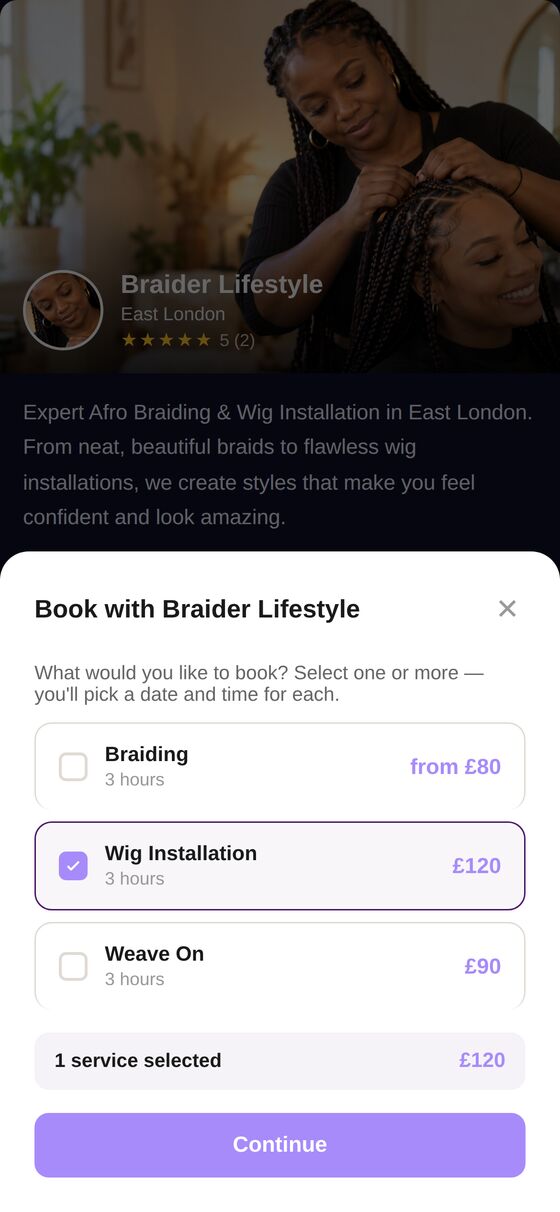
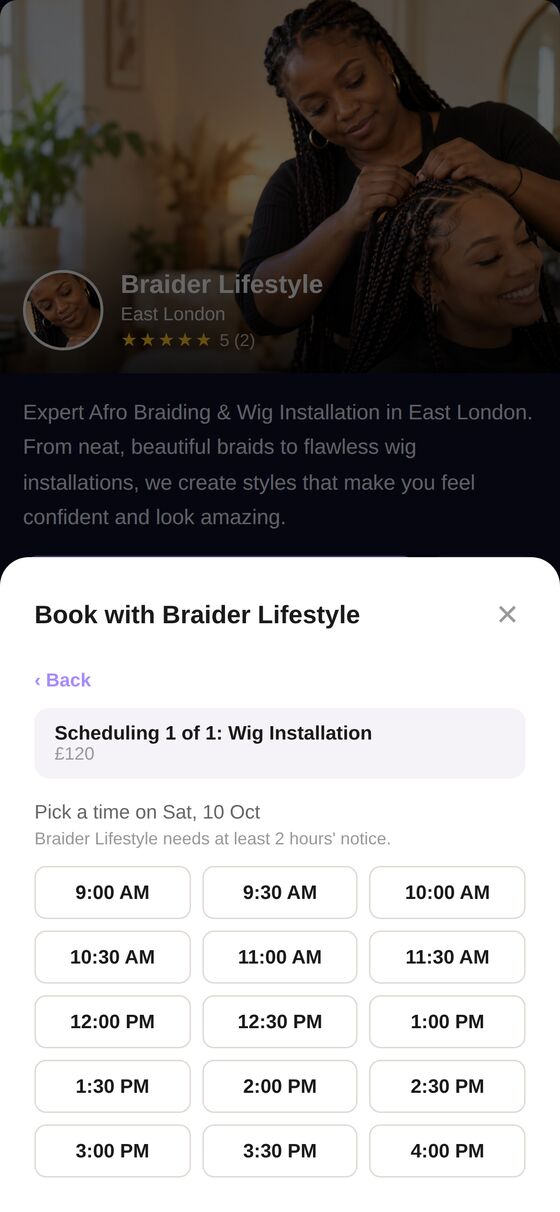
They pick a service, choose a time, and pay. You get notified instantly.
Free to start. No credit card needed.
Once you're live
Your page keeps working while you focus on your craft.
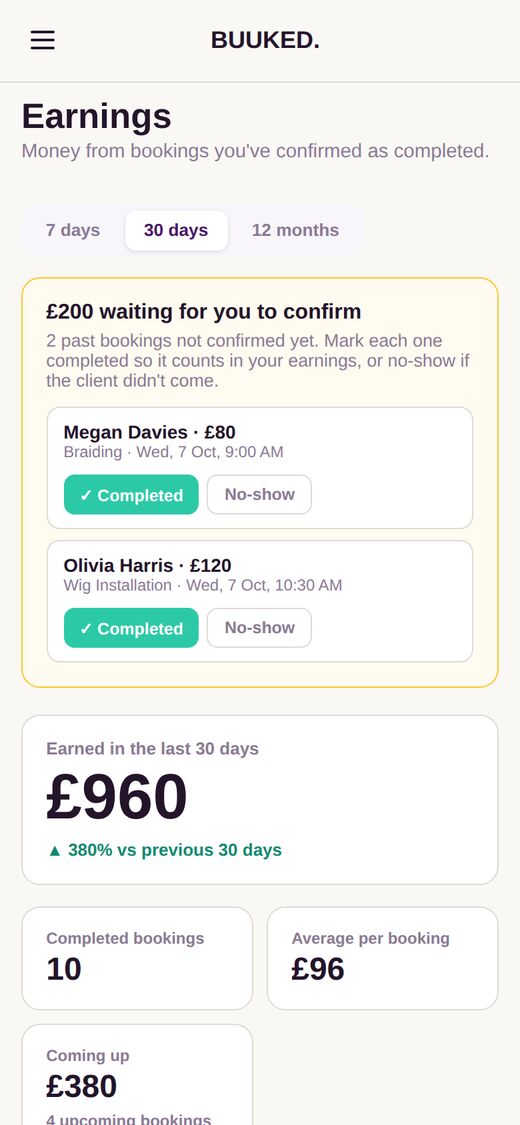
Today's bookings at a glance.



Questions, answered
Do my clients need an account or a download?
No. They open your link, pick a time and book. No account to create, nothing to download.
How much does it cost?
Buuked is free to start, with up to 3 bookings a month. Pro is £7.99 a month for unlimited bookings, verified reviews, premium themes and more.
Can I take deposits?
Yes. Choose which services need a deposit, and clients pay it by card when they book. The rest is paid on the day. You can also let clients pay cash on arrival.
Can I use my own name in my link?
Yes. Your page lives at buuked.me/yourname, and on Pro you can have a branded link like yourname.buuked.me.
What if I need time off?
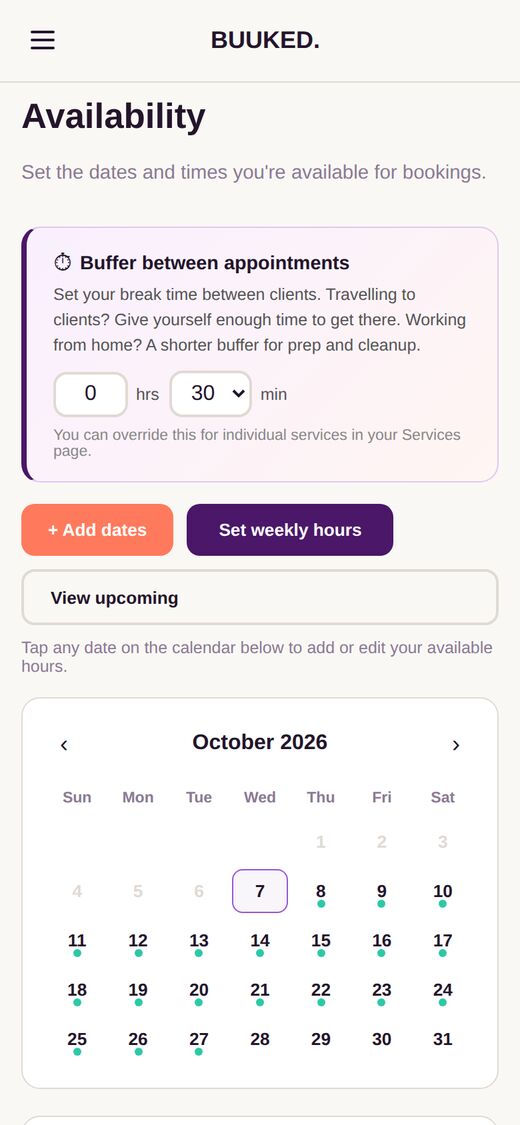
Block out any dates in your availability and clients won't be able to book them. On Pro, holiday mode pauses bookings and shows you're away.
Ready to get booked?
Create your free booking page in under 5 minutes.
Create your booking page